Introduction
Previously, we looked at the impact of generative AI on Android apps. Today, let us turn to iOS and its specific ecosystem.
The integration of generative AI into iOS applications has accelerated since the arrival of Apple Intelligence, rolled out starting with iOS 18. Notification summaries, text generation, image creation, and an enhanced Siri assistant: AI features in apps are multiplying, powered by the Foundation Models framework now available to developers. These capabilities rely largely on models running directly on the device — an approach that protects data privacy but places significant demands on the processor and battery.
For Product Owners, mobile development leads, and QA teams, this raises a practical question: how can the impact of AI on iOS device battery life be assessed, while ensuring that the user experience remains smooth across the entire device fleet?
Apple Intelligence: on-device processing and hardware requirements
Apple Intelligence relies on an AI model with 3 billion parameters that runs directly on the iPhone, complemented by a more powerful model hosted on Apple servers as part of Private Cloud Compute. According to the technical information published by Apple, this local model has been extensively optimized to fit within the memory and processing capabilities of a smartphone: model data is compressed to 2 bits per parameter, and memory sharing reduces its footprint by 37.5%. Despite these optimization efforts, running generative workloads on a mobile device still has an inherent energy cost.
This cost is first reflected in strict hardware requirements: Apple Intelligence is only available on the iPhone 15 Pro and later models, equipped with at least an A17 Pro chip and 8 GB of RAM. Earlier devices do not have sufficient processing power or memory to run these models locally. This restriction creates a divide within the device fleet: users with older iPhones are excluded from these features, while users with compatible devices may experience increased energy consumption.
A real and measurable energy impact
Apple reports a modest daily impact: enabling Apple Intelligence would add 0.4% to 0.9% of battery drain per day under reactive usage, meaning that the model is activated only in response to an explicit user request. However, these figures reflect only the nominal use case. Under sustained inference — when AI continuously generates content — the battery can drain 12 to 15 times faster than at idle, according to independent benchmarks published in 2025, including references to our own measurements. This level of consumption is comparable to that of a resource-intensive video game, rather than standard web browsing.
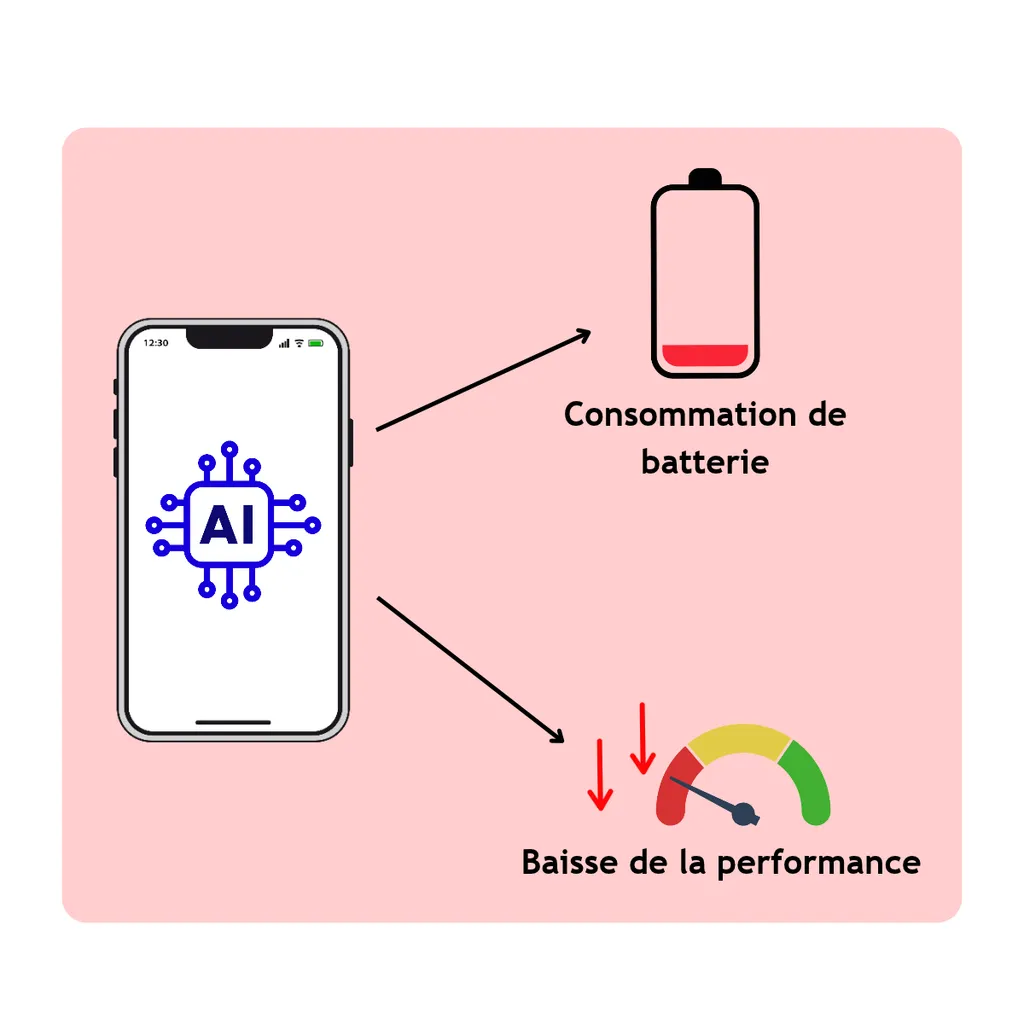
More broadly, in a previous article, we established that local AI models consume an average of 29 times more energy than a response generated by a cloud model such as ChatGPT. This ratio is explained by the intensity of the computations performed on a mobile processor, whose resources and heat dissipation capabilities are limited compared with those of a data center. The iPhone battery consumption issue linked to AI is therefore not limited to Apple Intelligence: any third-party application integrating a local generative model through Core ML, MLX, or the Foundation Models framework is affected.
In addition, major iOS updates trigger indexing tasks and model downloads that temporarily increase consumption. Photo library analysis for object recognition, Spotlight reindexing, and adapting on-device models to the user's personal data generate additional workloads during the first few days after installation. Older devices — even compatible ones — feel this impact more strongly because their processors take longer to complete these background tasks.
Measuring the impact on iOS: available tools
Several tools can be used to measure the energy consumption of iOS applications. Apple's ecosystem provides a suite integrated into Xcode and Instruments.
Xcode Energy Gauges, available in the Debug navigator when running an application on a real device, provide instant feedback on the application's energy impact, broken down by subsystem: CPU, GPU, network, and location. For more in-depth analysis, the Power Profiler in Instruments — available on iPhone starting with iOS 26 — records a detailed power trace segmented by CPU, GPU, display, and network. It helps identify precisely which subsystem is responsible for a consumption spike.
The Energy pane in Xcode Organizer aggregates consumption reports submitted by real users through TestFlight and the App Store, making it possible to detect energy regressions across app versions. The MetricKit framework collects performance and battery metrics directly from the user's device, which can be accessed programmatically within the application. Finally, the WWDC25 session on power optimization introduced on-device Performance Trace, which makes it possible to record power traces under real-world usage conditions, outside the development environment.
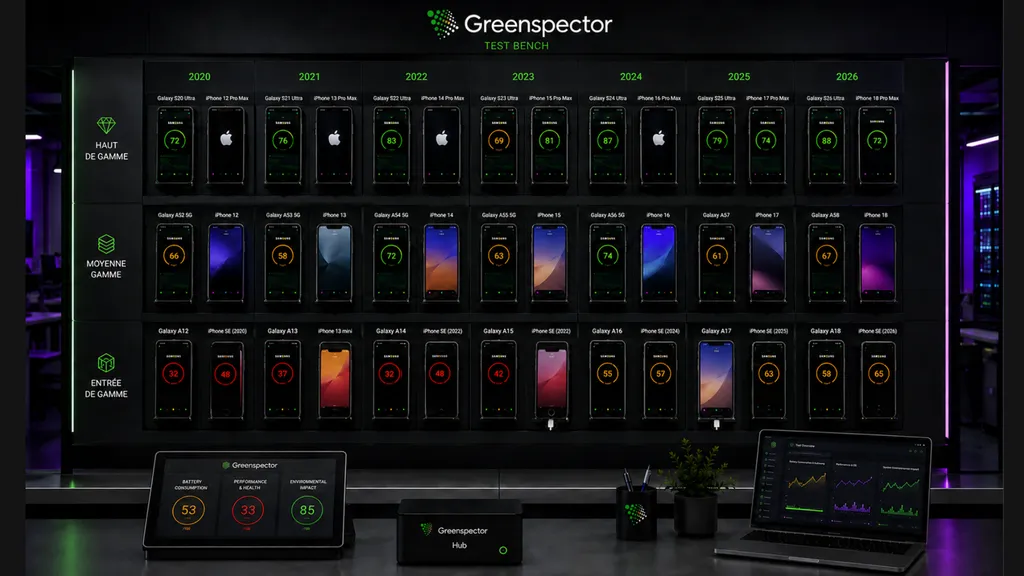
Beyond native tools, Greenspector Studio provides a complementary approach: directly measuring battery consumption on real devices equipped with hardware probes, with accuracy in the order of microampere-hours per second. The platform allows teams to define user journeys, run tests across a representative device fleet — including older models — and analyze the additional consumption linked to AI. Results are summarized as an Ecoscore from 0 to 100 and can be integrated into CI/CD through an API or MCP, making it possible to automate the detection of energy regressions before each production release.
Practical recommendations
For product and technical teams, several practices can help control the impact of AI on iOS battery life. First, it is essential to test AI-enhanced user journeys before production, systematically measuring consumption on real devices — simulators do not accurately reproduce energy consumption. Comparing on-device and cloud processing is also necessary: depending on the use case, moving inference to a server may be more energy-efficient, particularly when powerful models are required.
Integrating energy tests into the CI/CD pipeline ensures that regressions are not introduced silently. An iPhone performance issue caused by AI can go unnoticed during standard functional testing while still noticeably reducing battery life for end users. Finally, energy efficiency should be treated as a quality criterion in its own right, alongside latency and crash rate.
Conclusion
Integrating generative AI into iOS applications opens up interesting possibilities for new features, but it also introduces an additional layer of complexity when managing performance. Available figures show that the impact of AI on iOS battery life is significant, particularly during sustained inference or on older devices. Measurement tools exist — from Xcode Energy Gauges to Greenspector Studio — and using them systematically helps anticipate performance degradation before it reaches end users. With generative AI, energy efficiency is becoming more than ever an essential quality criterion for iOS apps.